OfflinAI Translate Lite
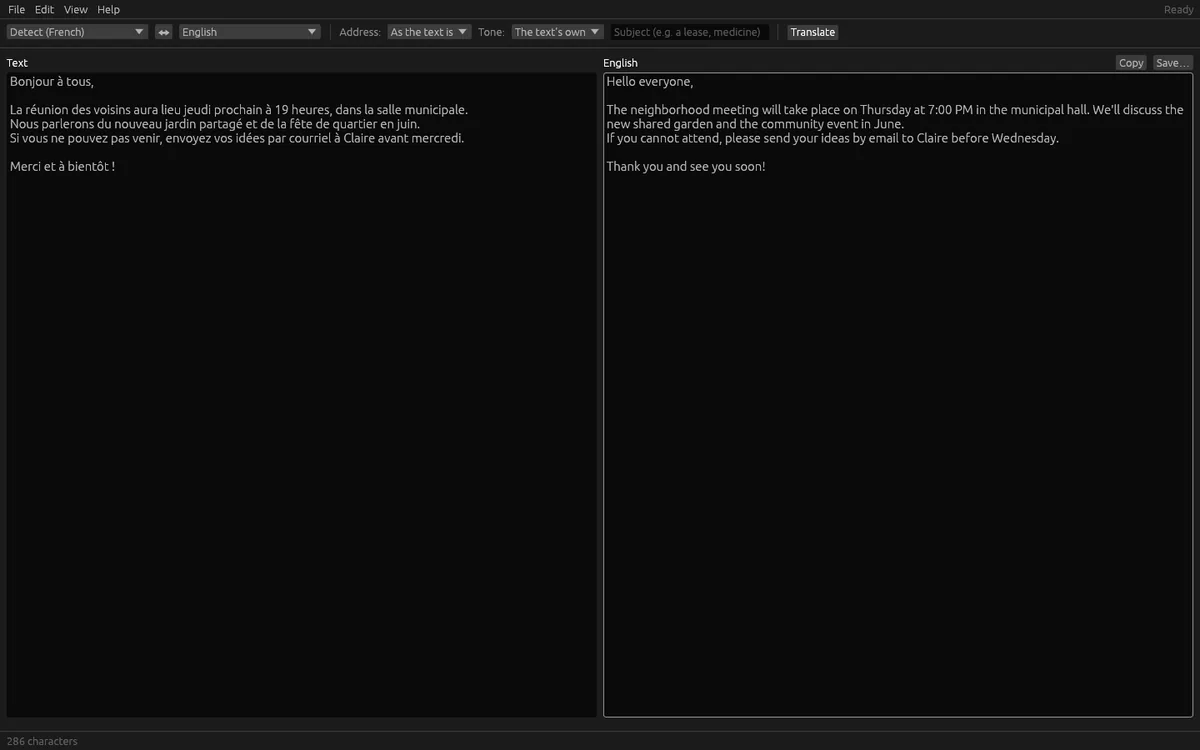
Translate text and documents between 46 languages, privately. The translation streams in beside the original, and a .docx comes back as a .docx.
Coming soon to the Microsoft Store
About the app
OfflinAI Translate Lite is a one-purpose translator that opens at once. Type or paste text, or open a document, and the translation streams in beside it from OfflinAI Server running on your own PC.
Choose from 46 languages, Irish among them. "Detect the language" tells you the source language without using a model and says so when it is unsure. One click, or Ctrl+Shift+S, swaps the languages and makes the translation the text to translate back. Text already in the target language comes back as it is, with a note.
Open or drop a document: .docx, .odt, .rtf, PDF, slides, spreadsheets, web pages, mail or text, or a picture of text, which OfflinAI Server reads with a note to check it. Long text goes in parts of about 1,500 characters, with a progress bar, to the end. If something fails part-way, the parts already done are kept and the app says how far it got.
A .docx document comes back as a new .docx document. Every paragraph keeps its place, style and numbering, tables too, with each paragraph's text replaced by its translation. Formatting inside a paragraph, such as one bold word, cannot follow a translation and takes the paragraph's first formatting. Headers, footers and footnotes are not translated. Other formats are saved as text or Markdown.
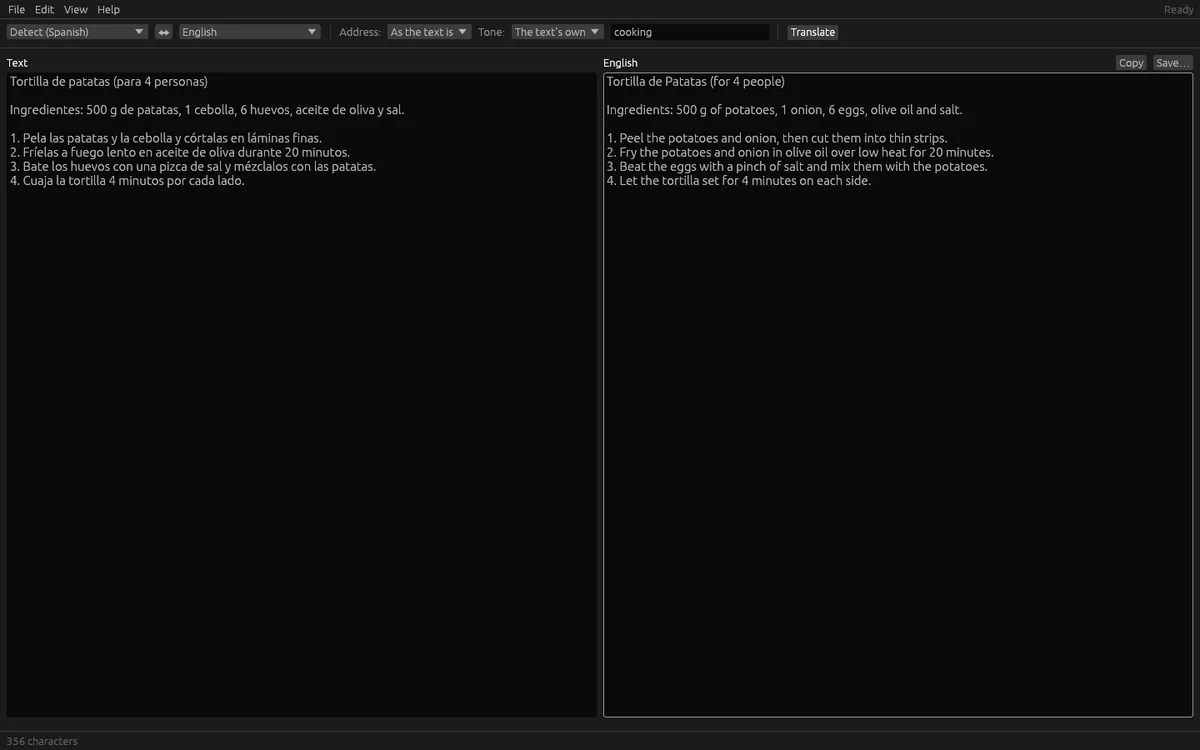
Set formality, tone and a subject such as "a lease" to guide the wording. Links, addresses and code are kept untouched. If the model reasons before answering, its reasoning is folded away under "The model's reasoning", and Copy and Save take the translation alone. Press Esc or Stop to end a translation and keep what was written.
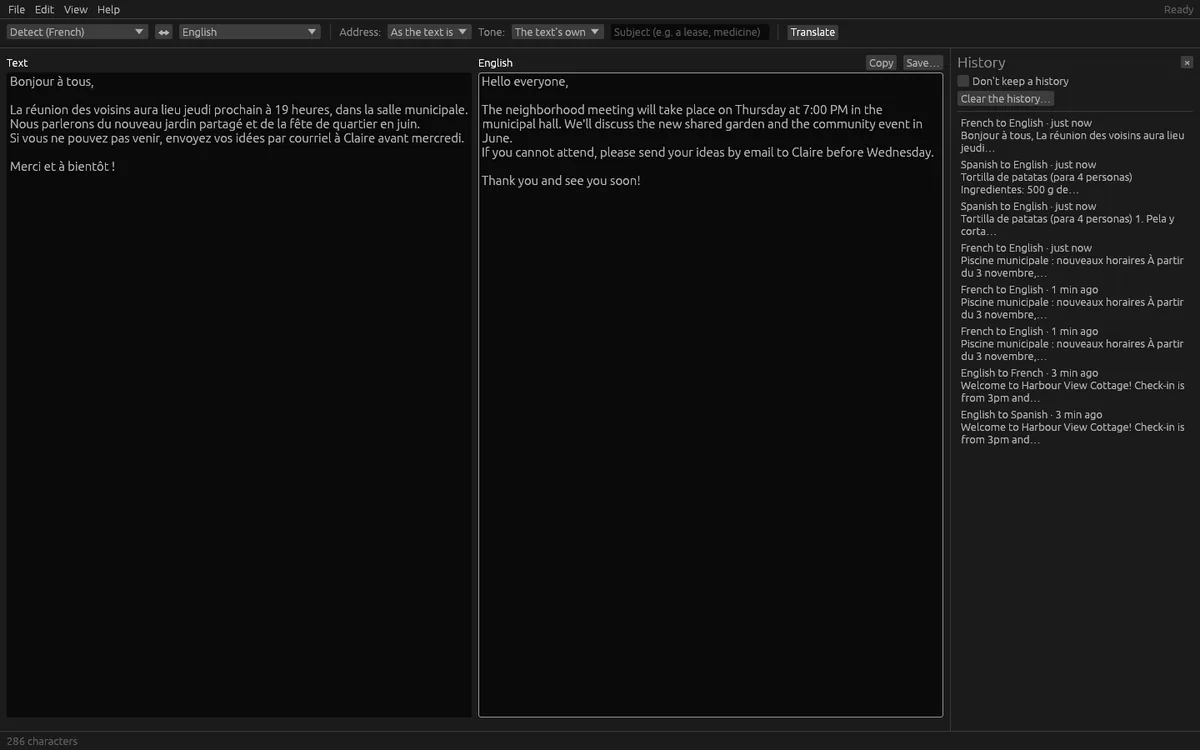
A private history of translations is encrypted on your computer. Reopen one with a click, delete one, clear all, or keep none.
Translation needs OfflinAI Server running on your own PC. Without it, nothing is passed off as a translation: the language is still detected, and the app says how to get a model. Small models are uneven between language pairs. Right-to-left and some Asian scripts may display poorly for now, though the translation itself is right.
Everything stays on your device. There is no account, and no data is sent to OfflinAI. By default the only connection the app makes is to OfflinAI Server on your own PC. If an administrator has set a different OfflinAI Server address for the machine, the app uses that address instead.
Features
- Translate between 46 languages with the translation streaming in beside the original
- Detect the source language without a model; swap languages with one click
- Open documents and pictures of text; long text translated in parts with progress
- A .docx comes back as a .docx with paragraphs, styles, numbering and tables in place
- Formality, tone and subject settings; links and code kept untouched
- Encrypted history of translations that you can delete or switch off
- Stop part-way and keep what was written; keyboard shortcuts for the main actions
Screenshots