OfflinAI Dictation Lite
Turn speech into text. Press one key and speak, or open a recording and get its words with timings, privately on your own PC.
Coming soon to the Microsoft Store
About the app
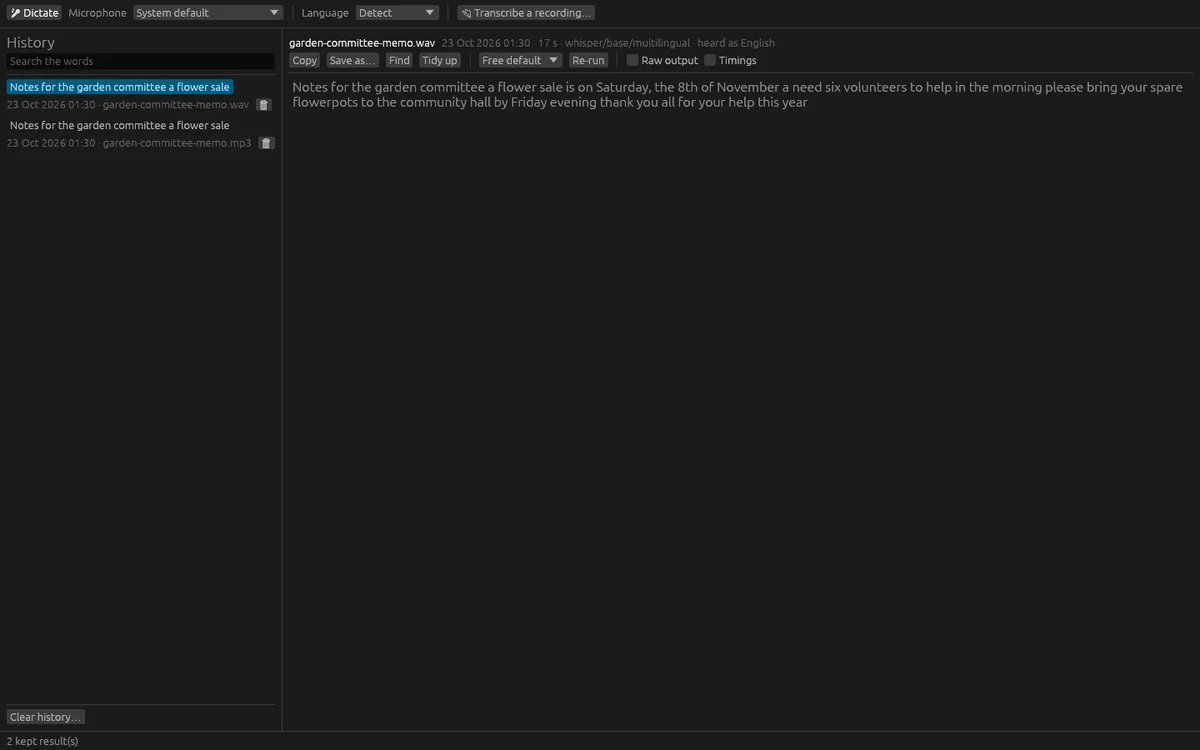
OfflinAI Dictation Lite is a small window that turns speech into text. Press F9 or the Dictate button and speak, and the words appear as you say them. Choose your microphone from the system's list, or use the default. Spoken punctuation such as "comma", "full stop", "new line" and "delete that" works.
You can also open a recording, such as an interview, a voice memo or the sound of a video, and get its words with timings. WAV, FLAC, MP3, Ogg Vorbis and M4A or AAC files are supported, up to four hours. Long recordings are cut into pieces of about a minute at the quietest moment, with progress and a Stop button, and the timings are put back on one clock. The recording is never uploaded anywhere.
Choose the spoken language from 21, or let it be detected. Copy the result, or save it as plain text, subtitles (SRT or WebVTT) with timings, or JSON with segments. Non-speech markers such as [MUSIC] are removed by default, and you can show the raw output. Find words within a long transcript with Ctrl+F.
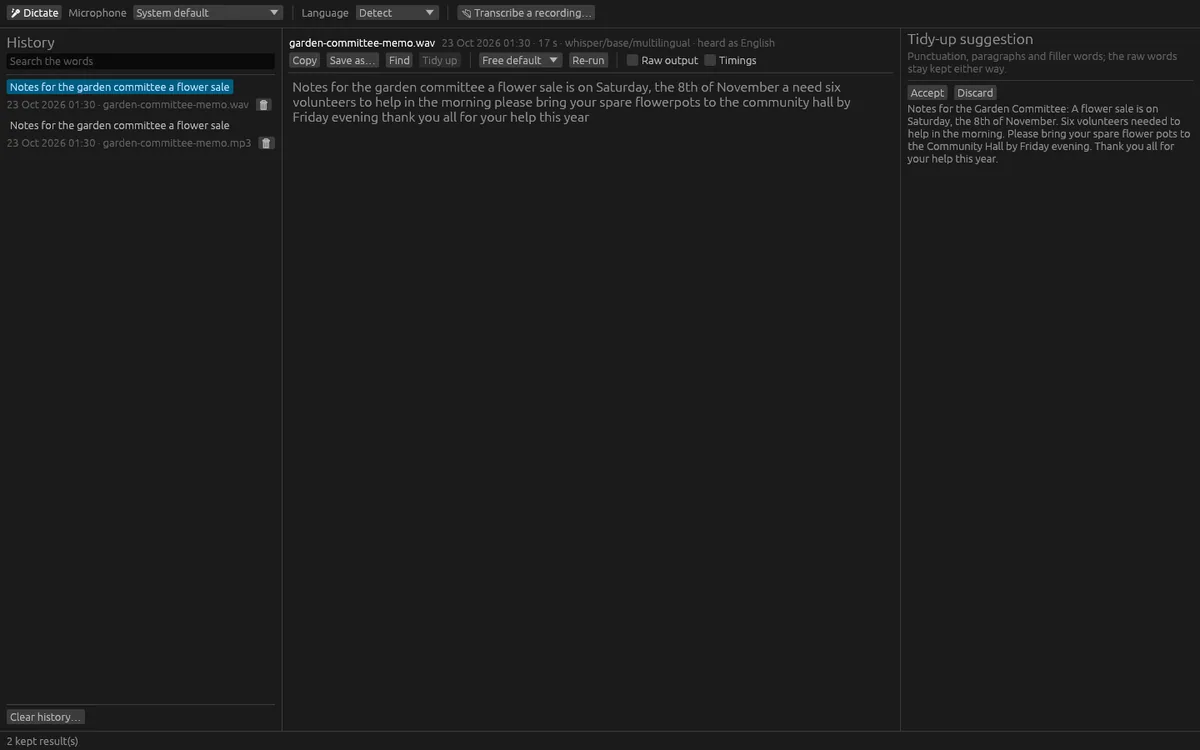
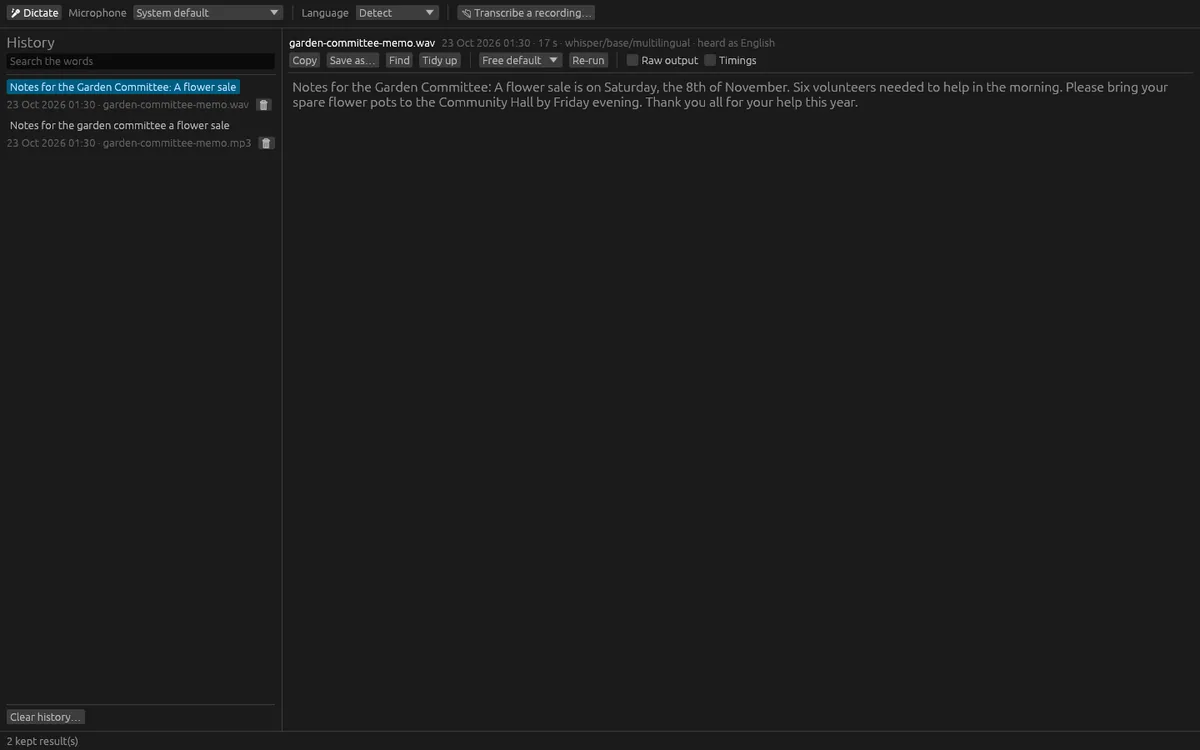
Every result is kept in a private history, encrypted on your computer together with its audio. Reopen results, search them by words, delete one, or clear all. You can re-run a kept recording through a different speech model as a new result, and the first one is kept. You can also ask the chat model to tidy a transcript, adding punctuation and paragraphs and removing filler words. This is shown as a suggestion with Accept and Discard, and the raw words stay kept.
Speech recognition and tidying use OfflinAI Server running on your own PC. If it is missing, the app tells you how to get it; the first use downloads the speech model. The app does not capture your computer's own sound or label speakers. Dictating from the microphone works on Windows; the F9 key works while the window has focus. Windows must allow microphone access.
Everything stays on your device. There is no account, and no data is sent to OfflinAI. By default the only connection the app makes is to OfflinAI Server on your own PC. If an administrator has set a different OfflinAI Server address for the machine, the app uses that address instead.
Features
- Dictate with one key from the microphone you choose; words appear as you speak
- Transcribe WAV, FLAC, MP3, Ogg and M4A recordings up to four hours, with progress and Stop
- Detect the language or choose from 21
- Save as text, SRT or WebVTT subtitles, or JSON with timings; find within a transcript
- Encrypted private history with its audio; search, re-run with another model, delete
- Optional tidy-up of punctuation and paragraphs, shown as a suggestion you accept or discard
- Uses OfflinAI Server on your PC; recordings are never uploaded
Screenshots