OfflinAI Database Lite
A small, quick personal database. Build tables, edit them in a datasheet or form, run queries, import and export CSV, and print reports.
Coming soon to the Microsoft Store
About the app
OfflinAI Database Lite is a small personal database for Windows. Your database is an ordinary SQLite file (.sqlite or .db), so any SQLite file opens in Database Lite and other programs can read what it writes.
Create tables of typed fields: text, number, whole number, yes/no, date, date and time, currency, attachment (a file kept in the database) and link to another table. Set a field to required, unique, indexed or give it a default. A visual designer lets you rename, add, remove, reorder and retype fields, and it tells you plainly when a table cannot be safely rebuilt.
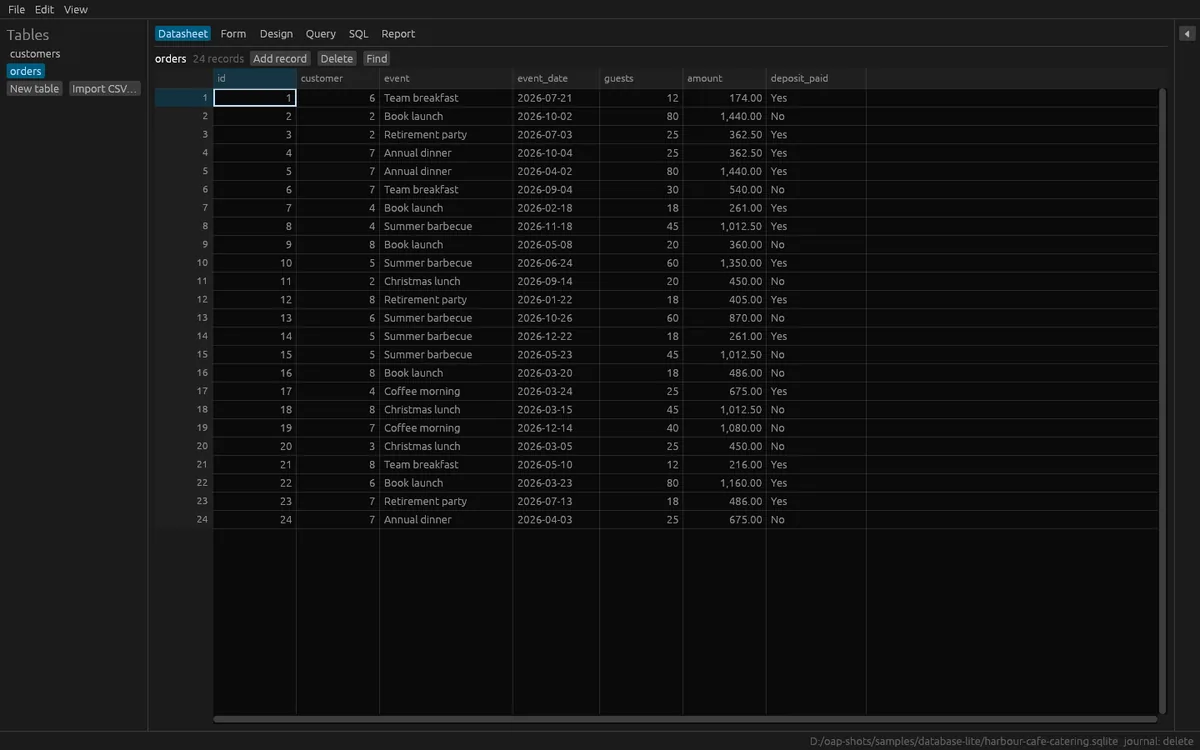
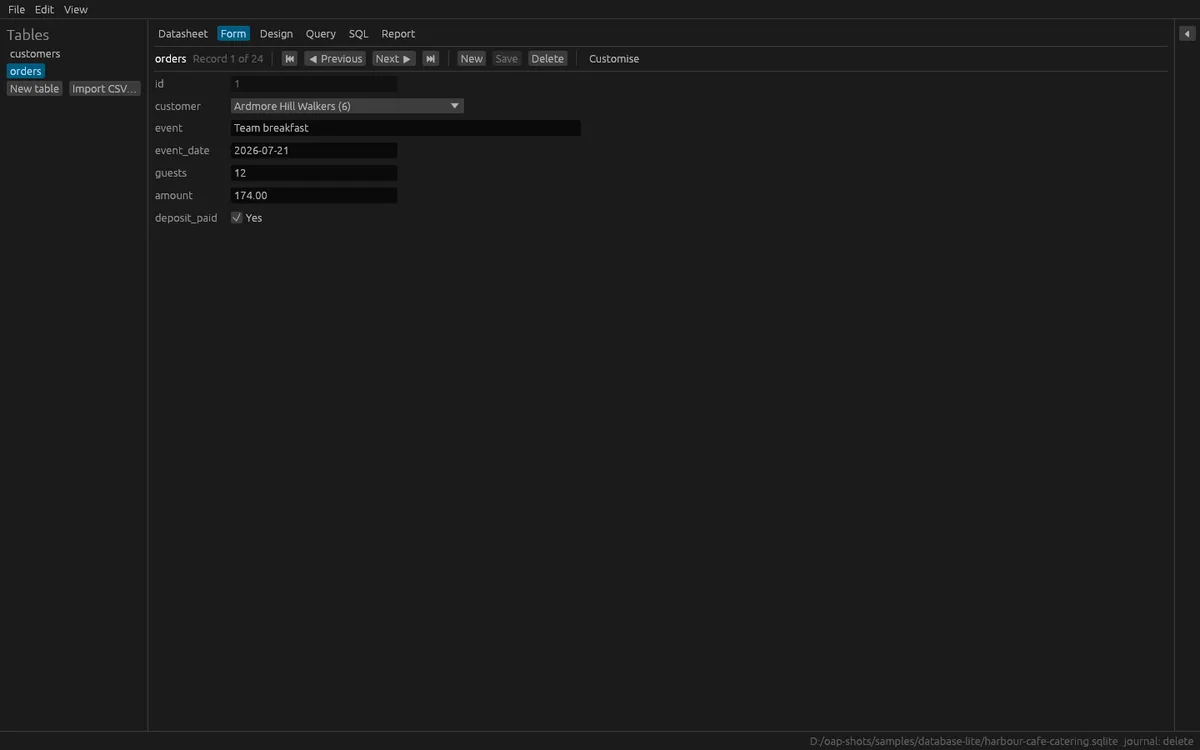
The datasheet reads only the rows on screen, in pages, so large tables stay smooth. Edit in place, add and delete records, sort, filter, find, copy and paste as tab-separated text, and resize columns. A value that does not fit its field is refused with the reason. An automatic form shows one record at a time, with a picker for linked records, tick boxes and attachments.
A query builder lets you choose a table, fields, one join through a link field, filters and sorting, and it shows the SQL it makes. A SQL tab runs any statement: one that only reads runs at once, and one that changes the database asks you first. Saved queries can also be kept as views.
Import a CSV file with detected encoding and separator, and a preview where you can change names and types. Export a table or query to CSV or .xlsx. Make grouped reports with counts and totals per group, and export them as PDF, HTML or Markdown.
Changes are saved in the file as you make them, each in its own transaction, and you can undo and redo the last 100 data edits. Opening a file does not change it, and you can open a file read-only.
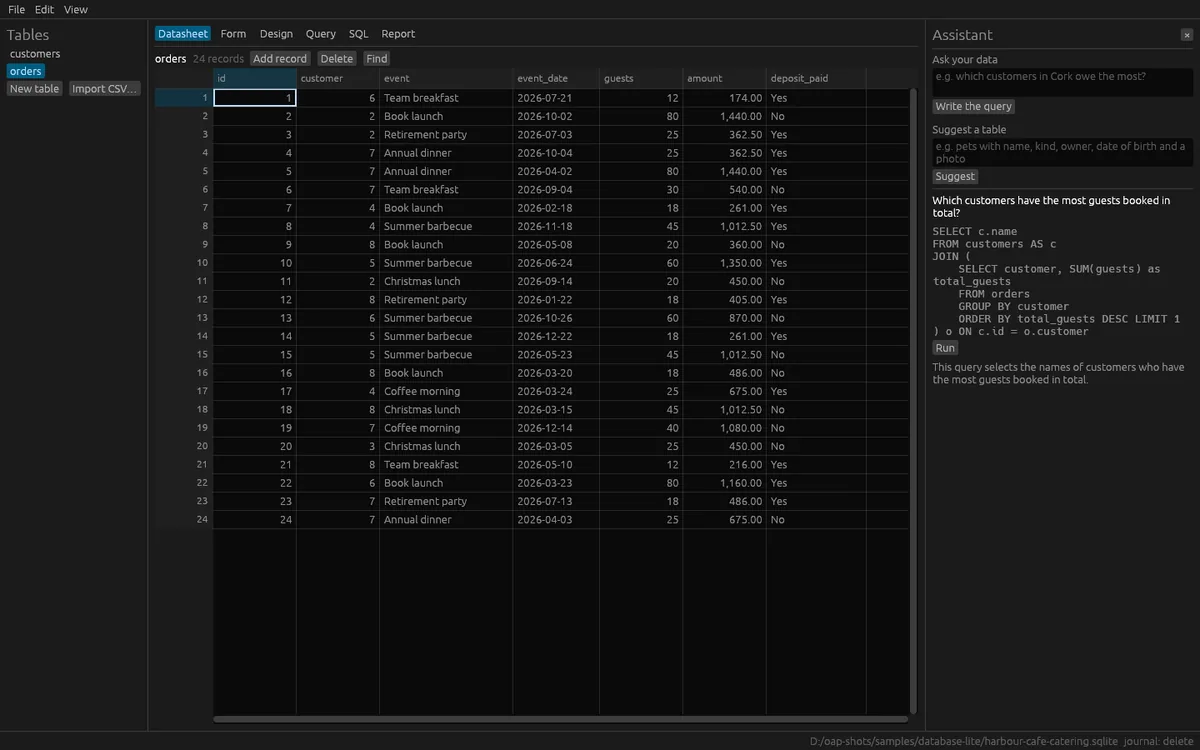
The assistant is optional. You can ask a question about your data, and it writes one query that is checked to only read. The query runs only when you click Run. It can also explain a query in plain words and suggest a table from a description; nothing is made until you click Create. These AI features use OfflinAI Server running on your own PC. Without it, each task still gives a simpler answer.
Everything stays on your device. There is no account, and no data is sent to OfflinAI. The only connection the app makes is to OfflinAI Server on your own PC.
Features
- Open any SQLite database (.sqlite, .db), or start a new one; opening never changes the file
- Design tables visually with typed fields, links between tables, required, unique, default and indexed options
- Datasheet for large tables and an automatic one-record form with edit, sort, filter, find, copy and paste
- Query builder that shows its SQL, plus a SQL tab that asks before running anything that changes data
- Import CSV with a preview; export CSV and .xlsx; grouped reports as PDF, HTML or Markdown
- Undo and redo the last 100 data edits; every change runs in a transaction
- Optional assistant on OfflinAI Server on your PC: ask your data, explain a query, suggest a table
Screenshots